


English localization without replacing the factory firmware
Your Chinese projector
in English
Chinese menus no longer get in your way. We translate the home screen and settings into English and install our ProjectQ TV system: familiar apps, voice control, Alisa integration and a convenient home screen. We confirm localization coverage for your model before payment.
from 3 000 ₽One payment for your projector
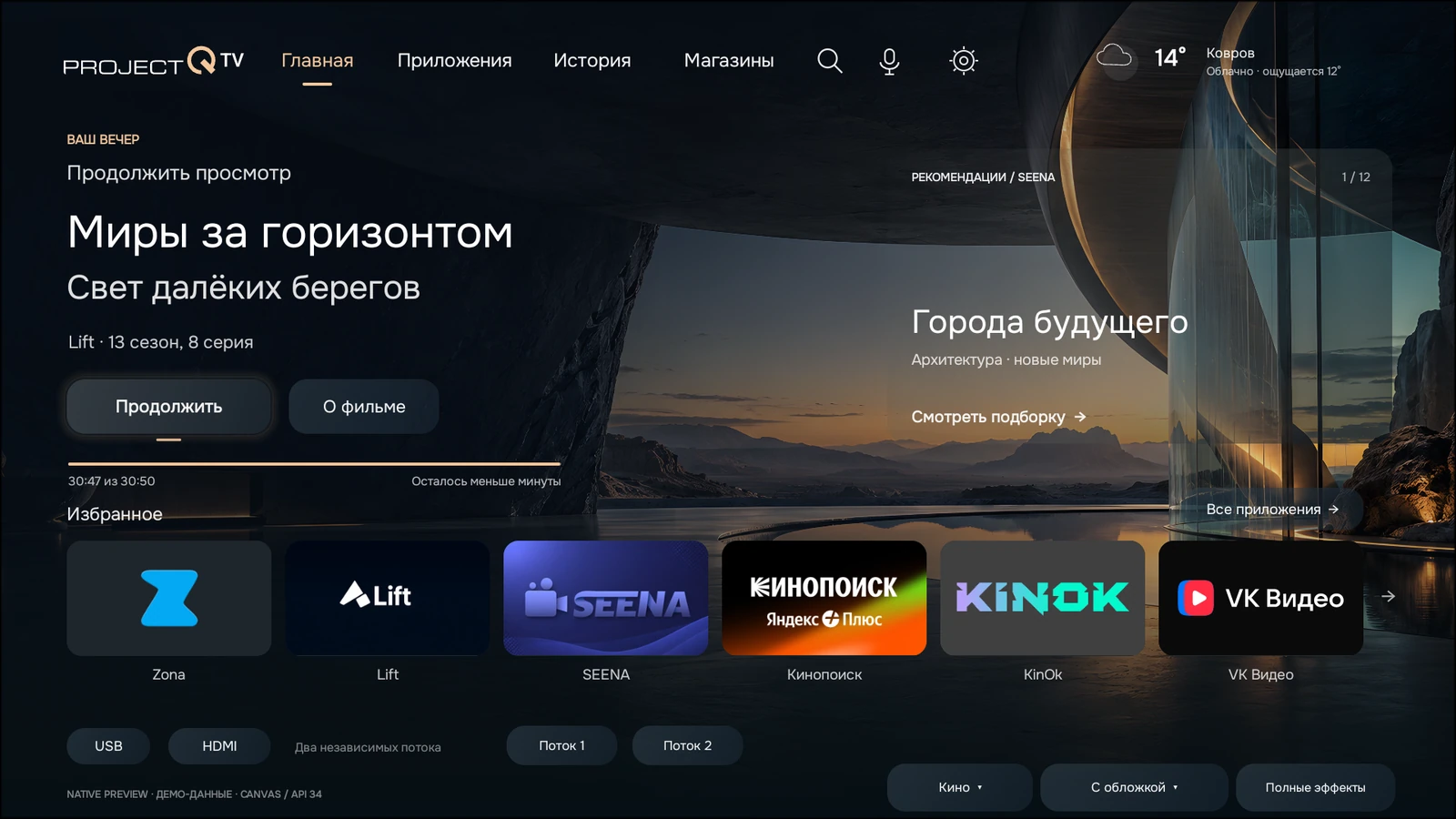
More than a translation
The projector you know.
A whole new experience.
Chinese menus become easy-to-understand settings. Alongside English localization, you get our own system: your home screen, apps, voice features and connection to Alice.
Explore all featuresUnderstand your settings.
No translator needed.
Picture, sound, network and other projector settings in English, within the confirmed adaptation. We work with the device itself while preserving its original operating system.
Translation coverage depends on the model, firmware and selected language. We confirm it before payment.
What is available for my model?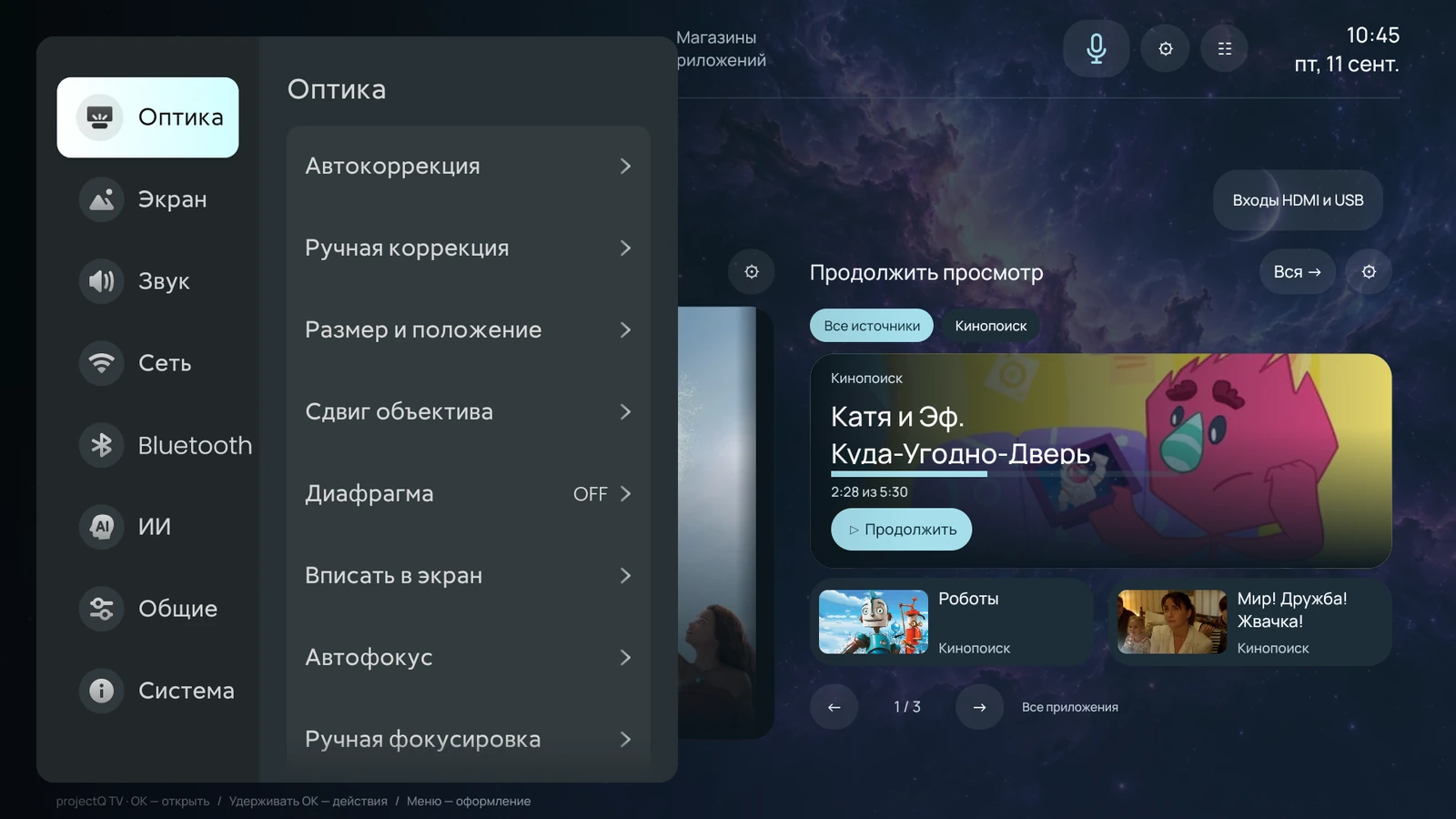
you understand
02 / Our own ProjectQ TV system
Your own space.
Your way to watch.
A home screen that fits your habits: choose the layout, apps, wallpaper and what you want to see first.
Your evening starts with one screen
Continue watching, favorite apps and recommendations in one place.
Preview of the new interface. The design is still in development.
03 / Voice and smart home
Just say
what you want to do.
Open an app, enter a search by voice or ask the assistant. Connect Yandex to use Alice and supported smart home commands.
Commands and voice modes depend on the model and connected services. Smart home features require a Yandex account and compatible devices.
How voice control works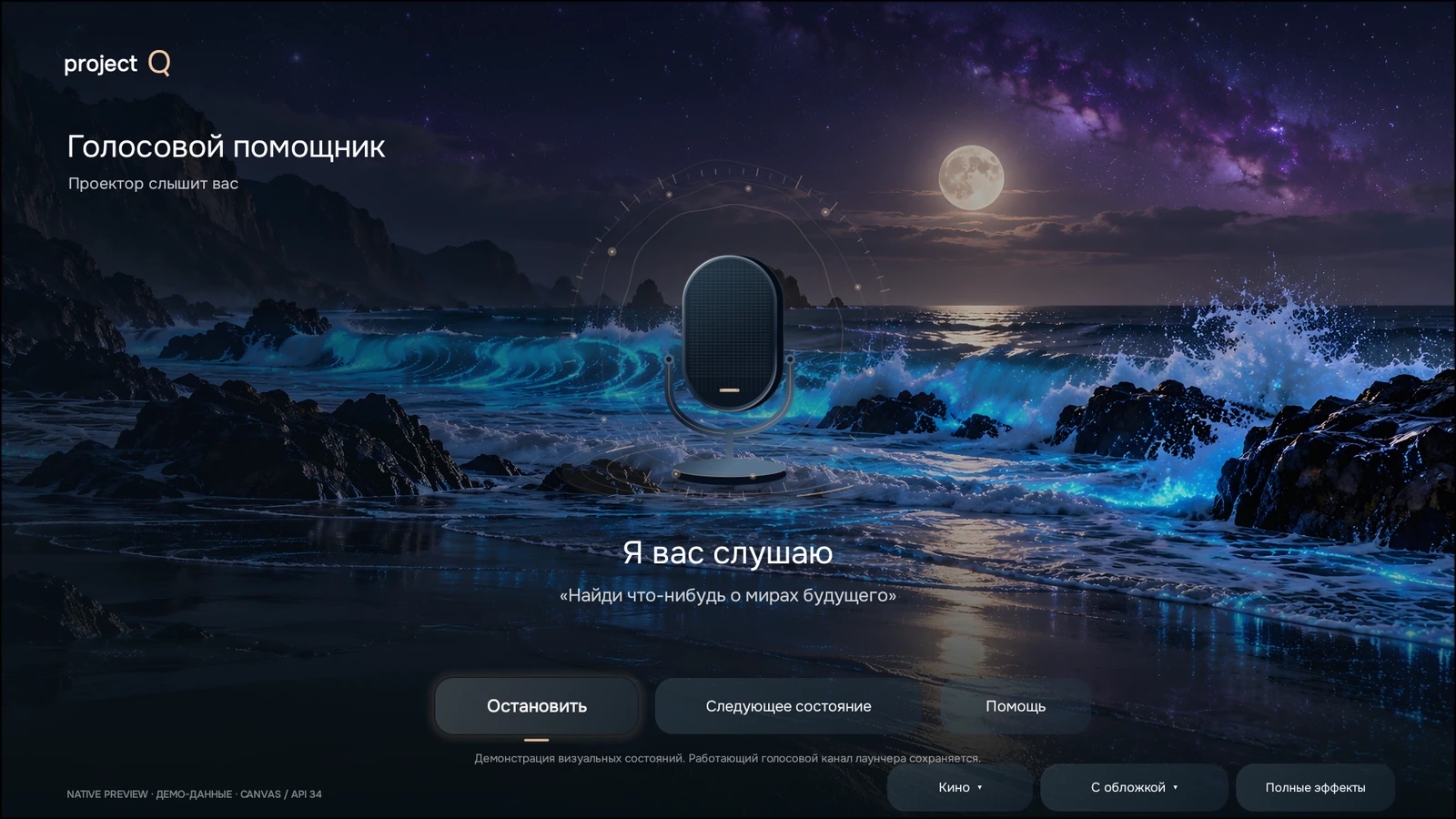
Preview of the new interface. The design is still in development.

to suit your habits
04 / Give your screen its own character
Make it your own.
Save it and share it.
Themes, layouts, tiles, wallpaper and block order. Save your setup and share your theme with another ProjectQ owner.
Appearance and personal themesThis preview shows the direction of the new design. Final screens will be added when development is complete.
Compatibility and pricing
Let’s start with your projector
Choose a manufacturer. Each model page shows the available English localization and current price.
All models and pricesCan’t find your model? Send a request and we’ll check the device before payment.
from 3 000 ₽for English localization of the projector
JMGOfrom 3 000 ₽for English localization of the projector
Formovie / Fengmifrom 3 000 ₽for English localization of the projector
Xiaomi / Mijiafrom 3 000 ₽for English localization of the projector
Redmifrom 3 000 ₽for English localization of the projector
Xmingfrom 3 000 ₽for English localization of the projector
Wemaxfrom 3 000 ₽for English localization of the projector
Lenovofrom 3 000 ₽for English localization of the projector
OBEfrom 3 000 ₽for English localization of the projector
XGIMIfrom 3 000 ₽for English localization of the projector
DangbeiPrice confirmed after checking the model
Looking for “English firmware”?
A projector you understand.
Without an unknown system image.
ProjectQ localization preserves the factory operating system. We check the device and add a prepared adaptation and our own software. There is no need to search for random firmware intended for a similar model.
Localization vs flashing: what’s the difference?Install at home
From your request to a English menu.
Guidance at every step.
- Submit a request
Enter your model and save your personal link.
- Confirm your device
The registration app identifies your model and firmware.
- Confirm the details and pay
You know the scope and cost in advance.
- Install ProjectQ
Get your personal installer and follow the setup wizard.
A purchase for your device
One payment.
The features stay with you.
For the same projector. Third-party subscriptions are paid separately.
Common questions before you start
Do I need to bring you my projector or connect it to a computer?
No. You submit a request and install the software at home on the projector itself. You need internet access, a USB flash drive and a phone. You can prepare the drive from a phone if it supports USB storage and you have a suitable adapter. There is no need to connect the projector to a computer with a cable.
GuidesWhat am I paying for, and is there a monthly fee?
You pay once for the ProjectQ adaptation for your projector. Free reinstallation after a reset on the same device and future updates are included. Subscriptions to streaming platforms and other third-party services are paid separately.
GuidesDoes ProjectQ translate the projector itself or just the home screen?
ProjectQ combines full English localization of the device with our own system for using it. We translate the home screen, menus and projector settings in the supported model profile. You also get apps, a home screen, voice features and Alice integration. The product goes beyond changing the launcher’s appearance. The confirmed translation scope is listed on the model page; we check the firmware before payment. Third-party apps control their own languages.
GuidesWhat does the safe ProjectQ localization method mean?
We do not replace the projector’s factory system image with unknown firmware. We preserve the original operating system, check the exact model and version, and install the prepared adaptation and our own software through the standard process. The localization method remains the same; it is now complemented by the ProjectQ TV system. This removes the need to find and flash an unsuitable system image yourself. Follow the instructions for your device; no software installation can be promised to be completely free of errors in every situation.
Your projector, in your language
Start with a free request
We’ll check your model and firmware, explain what the English localization includes and show the price before payment.
Send a requestAlready purchased? Return to your request
ProjectQ · working with projectors since 2015. ProjectQ main store
Start with what you need