

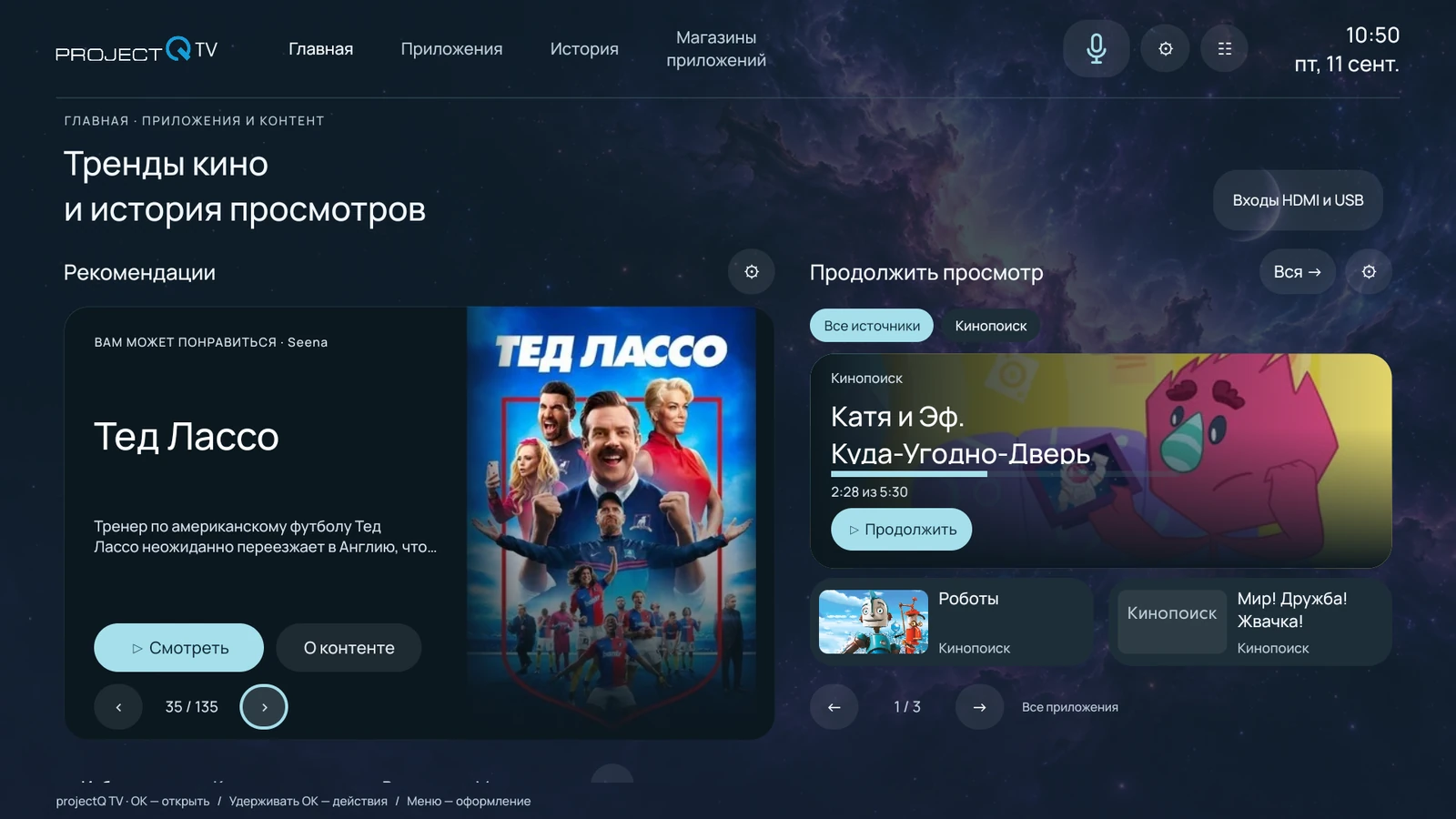
See how the adaptation of Formovie and other models looked in the published review ProjectQ. The video was saved from the previous portal.
The recording shows the adaptation at the time of publication. The design and capabilities of today's ProjectQ TV may differ. Current functions and installation procedures are described in the Opportunities and Instructions sections.
What to pay attention to
- Home screen and transition to the usual applications.
- Clear menu and access to the settings of the projector.
- Using the device from the remote in ordinary home scenarios.
How to choose adaptation today
The full name of the model, region and firmware are more important than the similarity of the case. The directory describes verified profiles and models that need verification first. The composition of the installation is confirmed before payment.
Today, ProjectQ TV combines translated system settings, languages, appearance options, viewing integrations, its own app store, an assistant and ongoing support. The wizard guides installation at home; restoring the same projector after a reset does not require another payment.
Watch the video
Select the source to open the entry on the page. The video shows the interface at the time of publication.
Press VK Video or YouTube to download the recording.